Scan complete // incident: harmless

You just scanned a random QR code.

Don't do that.

This one happened to be harmless. It goes to a page run by a Network Architect who wanted to make a point, and you had no way of knowing that before you scanned it. A QR code on a wall, menu, flyer, or parking meter all looks equally trustworthy to your phone. You trusted a square sticker.

The risk is less dramatic than some security people make it sound, but it is more real than most people assume.

Threat result

You got lucky.

No login. No payment. No download. Just a lesson.

Reality check

The scan itself is not the hack.

A QR code is text encoded as squares. Usually it contains a web address. It can also contain Wi-Fi details, a phone number, a text message, contact information, or another small chunk of data.

On a current phone, scanning usually decodes that data and shows you a prompt. That is not the same as opening the link, installing something, or approving the next action. The real danger starts when the code sends you somewhere you did not verify and asks you to do something you would never do if you had typed the address yourself.

What can go wrong

The code hides the destination. That is the whole trick.

01

The sticker swap

Printing a QR code costs almost nothing, and a sticker can cover a legitimate one in seconds. The parking meter, menu, or sign can be real while the code stuck on top of it sends you somewhere else. The FTC has reported scammers covering parking-meter QR codes with their own.
02

The fake login or payment page

A code can open a page that looks like your bank, parking app, delivery company, or payment form. On a small phone screen, a copied page can look convincing. Anything you type into it goes to whoever controls that page.

03

Redirects and tracking

A short link or redirect can hide the final destination until after you tap. A unique link can also tell the operator which exact code was scanned, plus when it happened and basic information about the device making the request.

04

Wi-Fi, downloads, and profiles

QR codes can contain Wi-Fi details or point to apps, files, and configuration profiles. Joining an unknown network puts your phone on a network someone else controls. Installing a profile can change sensitive settings, including certificates and how traffic is handled.

05

Prefilled actions

A code can prepare a phone call, text message, email, contact, or calendar event. Your phone should still ask before doing anything important, but the prompt can move you toward a scammer before you have stopped to read what was encoded.

The legitimacy test

Can you tell if a QR code is legit?

Not by looking at the square pattern. You check the source, the decoded destination, and what the destination asks you to do. If any one of those feels off, stop.

SOURCE

Does the code belong here?

Check whether the code is expected for the thing you are trying to do. Look for a separate sticker, raised edges, peeling corners, mismatched printing, or a code covering another code. An official-looking sign does not make a sticker official.

DESTINATION

Does the decoded address match?

Wait for your phone to show the preview. Read the full hostname between https:// and the next slash. chase.com is Chase. chase.com.account-verify.example belongs to account-verify.example. Extra words before the real domain do not count.

REQUEST

Does the next action make sense?

A menu opening a menu is normal. A parking code asking for your bank password is not. Logins, payments, downloads, app installs, profiles, Wi-Fi changes, and MFA prompts deserve a trip through the official app or a typed address instead.

Stay safe

What to do before and after you scan.

Before you scan

  1. 01

    Inspect the code for another sticker underneath it, peeling edges, mismatched colors, or anything that looks added later.

  2. 02

    Ask whether you expected a QR code here. Be especially suspicious of unsolicited codes in emails, texts, packages, flyers, or signs creating urgency.

  3. 03

    For payments, account access, healthcare, delivery changes, or work logins, use the official app or type the known address yourself.

After the preview appears

  1. 04

    Read the entire hostname before tapping. Look for misspellings, extra words, and a company name placed before a completely different domain.

  2. 05

    Do not treat https or the padlock as proof. It means the connection is encrypted. Scammers can encrypt their sites too.

  3. 06

    Do not use shortened links for sensitive actions. A shortener removes the one useful check your phone gives you: the destination.

  4. 07

    Close the page if it unexpectedly asks for a password, card number, recovery code, download, app, configuration profile, Wi-Fi change, permission, or MFA approval.

If you already entered something

Entered a password?

Go to the real site or app yourself. Change the password now, sign out other sessions, change it anywhere you reused it, and turn on MFA if it is not already enabled.

Entered a card number?

Lock the card in the official banking app and call the number on the back of the card. Watch for small test charges, not just obvious ones.

Entered a work login?

Tell your IT or security team immediately. Do not wait to see whether anything happens. Early notice gives them a chance to revoke sessions and check the account.

Installed something or changed settings?

Disconnect from the unknown network, remove the unfamiliar app or profile, update the phone, and contact your IT team or the device maker's official support if you are not sure what changed.

Why this page exists

Getting caught by a harmless one works better than another warning.

You scanned, landed here, and nothing bad happened. Now you know how the bad version would have worked. Next time a random code shows up on a pole or table, you'll preview the link first. Probably.

This page is not asking you to log in, pay, install, join, or approve anything. That is kind of the point.

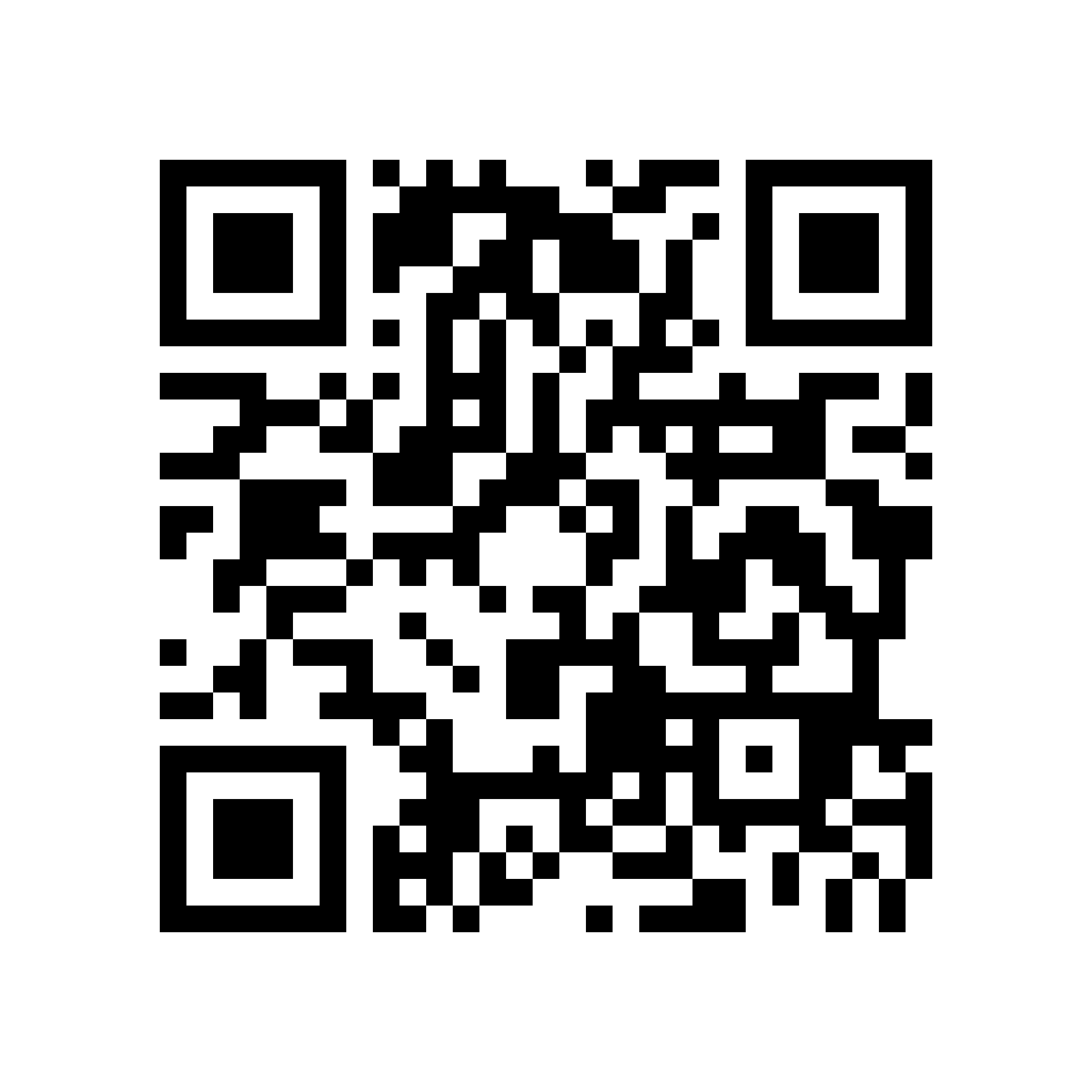
QR code linking directly to https://www.adjacentnode.com/scan

Direct link: adjacentnode.com/scan

Pass it on

Make someone else pause before they tap.

Both files point directly to this page. There is no URL shortener hiding the destination.